One server behind the lab and the platform
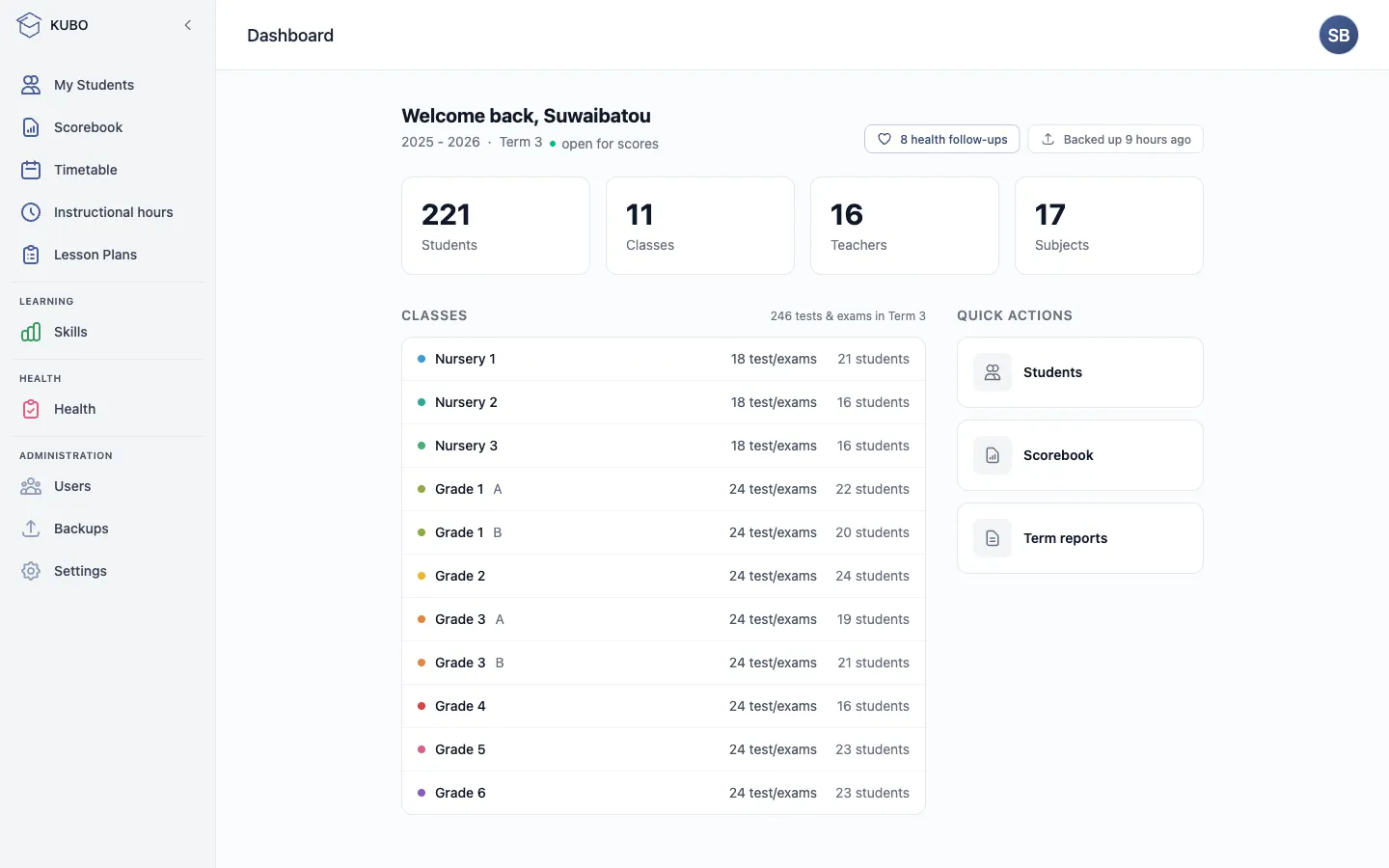
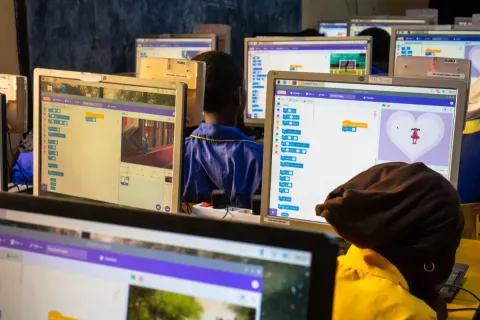
Every KUBO lab runs on one server. It serves the offline library and tools to every seat, and backs up critical data to the cloud whenever there is a connection, even a weak one. It starts on a Raspberry Pi and scales up to whatever hardware a school's needs call for.
The whole library without internet
The offline lessons, reference libraries and classroom tools run from the server to every seat, so a class never waits on the internet.
Critical data backed up automatically
When a connection is available, the server syncs critical data to the cloud, so the things that matter stay safe and recoverable.
Starts small and grows with your school
Begin with a single Raspberry Pi. As needs grow, move the server to bigger hardware, and nothing else in the lab has to change.
A library most schools with internet would envy, fully offline and reachable from any device with WiFi: the lab's desktops, a laptop, a tablet, a phone. Straight in the browser, nothing to install. Your school picks what fills its server:
 Wikipediathe full encyclopedia
 courses & exercises
 science simulations
 textbooks
 children's books
 TED-Ed talks & lessons
 Project Gutenbergclassic books
 World mapbuilt on OpenStreetMap
Served by the two leading open-source projects for offline learning:
Kolibri, Learning Equality's offline learning platform, integrated with our school platform's Learn module.

Kiwix, which puts entire reference libraries offline, from Wikipedia to Project Gutenberg.
The world map builds on OpenStreetMap. Logos and content belong to their respective projects.
And it runs the school platform
The server comes with the KUBO school platform pre-configured, just a click to activate. It is the software that runs the whole school: grades, term reports, timetables, attendance and health records, with a login for everyone, from the head teacher to each student.
Explore the school platform →